Kentico: How to add a user to the newsletter
How to Kentico
26. 05. 2026

*The guide is created for Kentico webforms. In newer versions, the settings for some features may differ. Not sure which version of Kentico you are using? Our helpdesk can assist you.
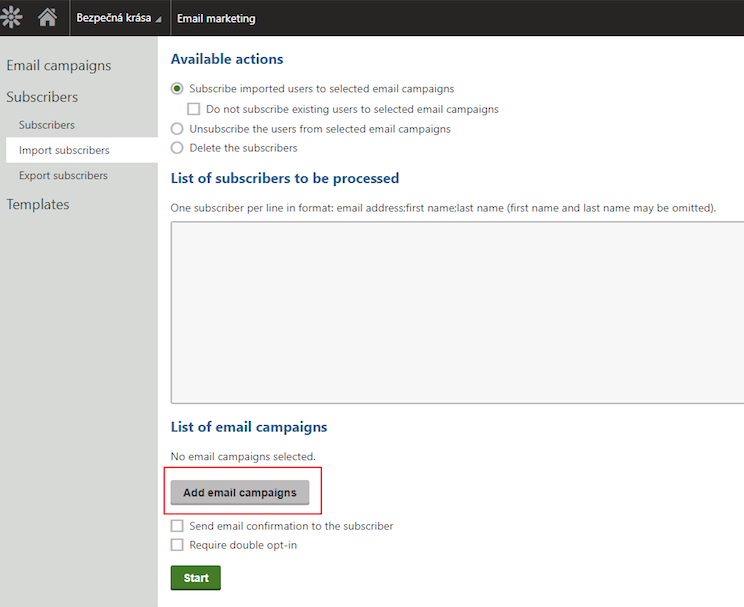
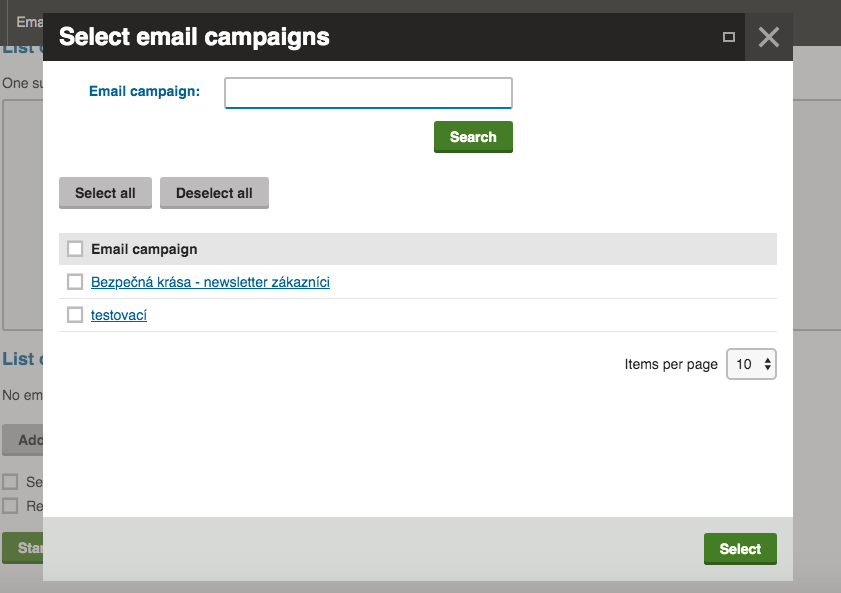
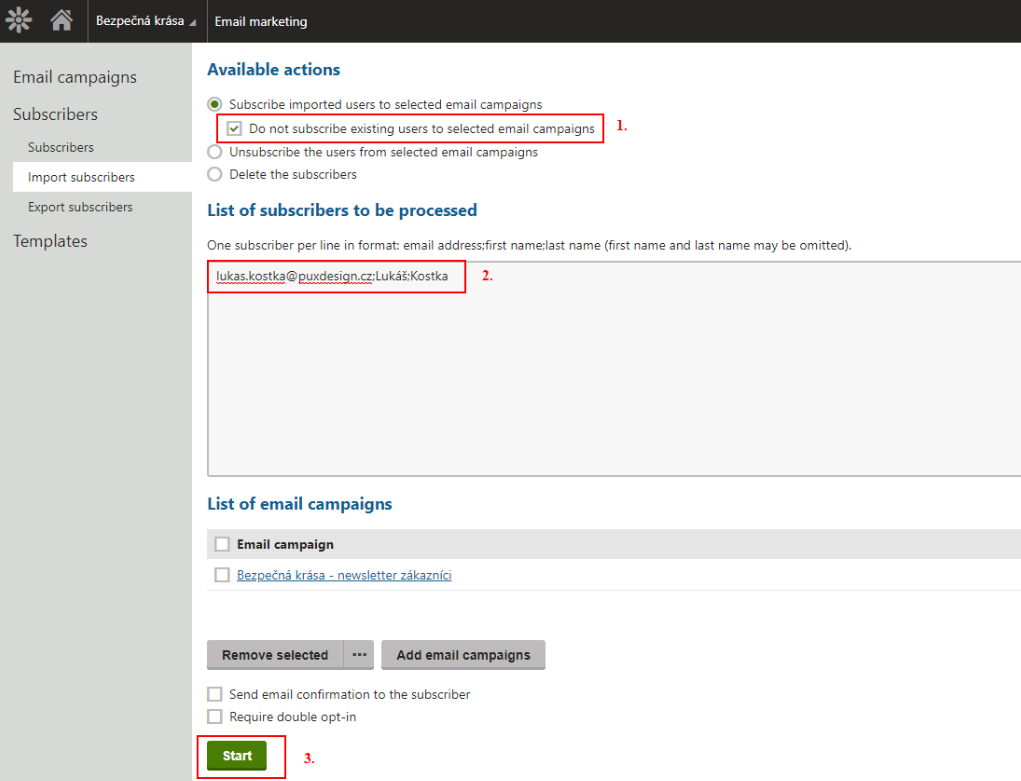
Do you have a list of users who want to subscribe to your newsletter and want to send them something? We will help you upload their contacts into the administration.