Kentico: How to find out who created or edited a page
How to Kentico
26. 05. 2026

*The guide is created for Kentico webforms. In newer versions, the settings for some features may differ. Not sure which version of Kentico you are using? Our helpdesk can assist you.
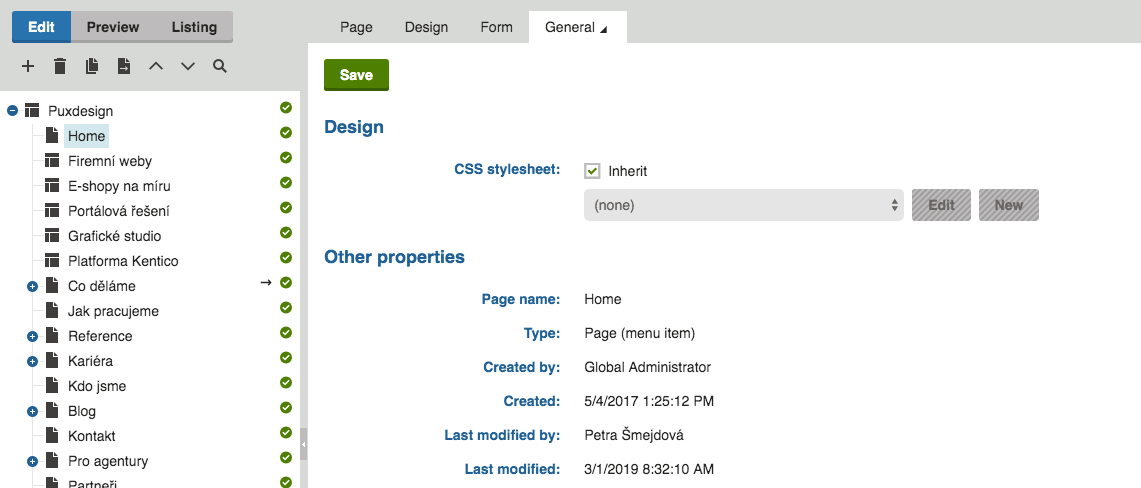
You can create access to any number of users in the Kentico system and assign them a specific role along with the associated rights. This also allows you to track who created or last edited the page.