Kentico: How to search for content in the system
How to Kentico
26. 05. 2026

*The guide is created for Kentico webforms. In newer versions, the settings for some features may differ. Are you unsure which version of Kentico you are using? Our helpdesk can assist you.
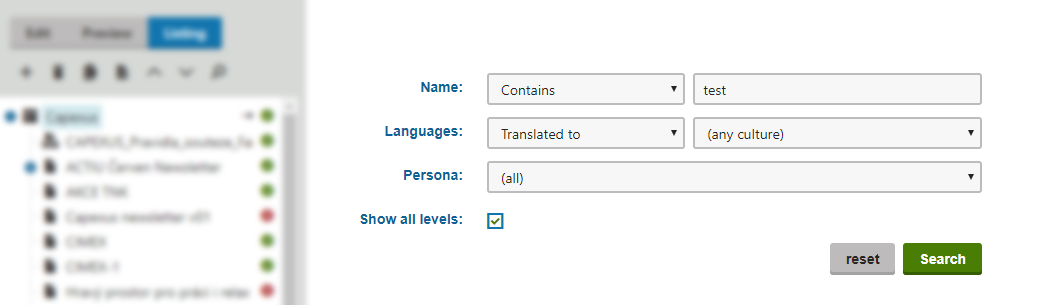
Do you know the name of a page but cannot find it in the tree structure in Kentico? We have a very simple guide for you.