Kentico: How to set metadata in the administration

How to Kentico
26. 05. 2026
Lukáš Šorf

*The guide is created for Kentico webforms. In newer versions, the settings for some features may differ. Not sure which version of Kentico you are using? Our helpdesk can assist you.


Metadata on the internet is essentially additional information and structured data about your page, allowing you to better categorize the page and simplify its discovery for search engine bots.
In Kentico, it is possible to set metadata such as title, description, and keywords for any page on your website.


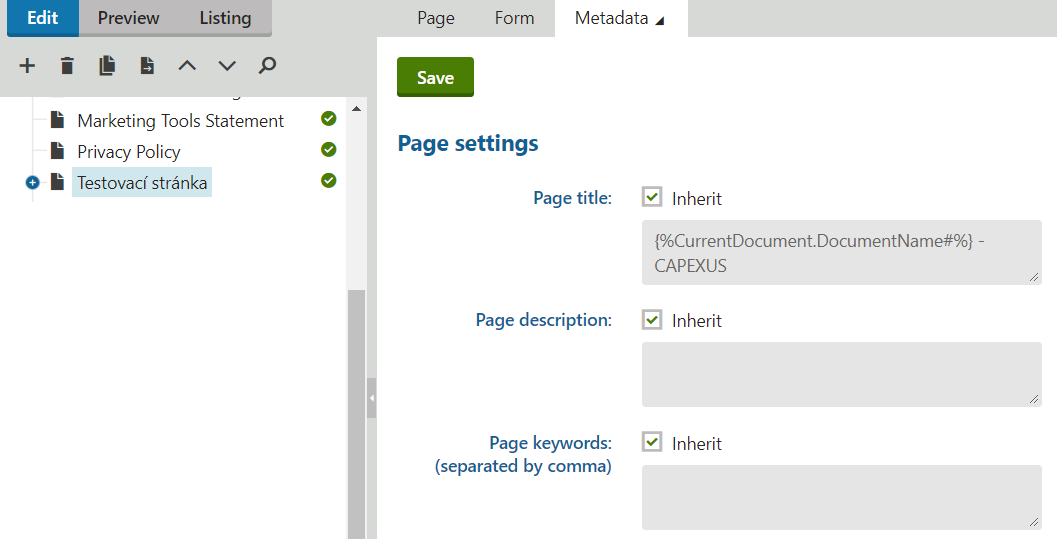
In the Kentico administration → Pages → specific page → top right tab "Properties" → "Metadata":


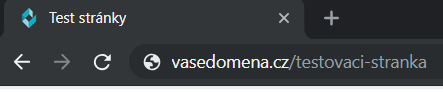
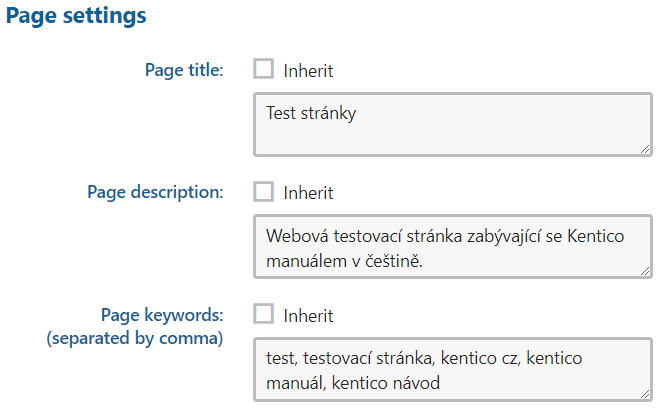
"Page title" → the title of the page that appears in the web browser, on the tab


  • If the "Inherit" checkbox is checked, the settings are inherited from the parent page in the tree
  • The title is also written into the page source, into the <title> tag, so that it can be read by search engine bots

"Page description" → a description of the page, it should be a brief description of the page

  • In the page source for search engines, this is the <meta name="description" content="page description" /> tag

"Page keywords" → these are the keywords of the page, a keyword can be not just a word, but also a phrase

  • In the page source, this is the <meta name="keywords" content="keyword 1, keyword 2, keyword 3" /> tag
  • Nowadays, internet search engines ignore meta keywords, so it does not matter whether this field is filled out for the page or not
  • Keywords are fetched by bots from the content of the page


How a page with filled meta data in Kentico might look: